Custom User Agent available for the Transaction Check
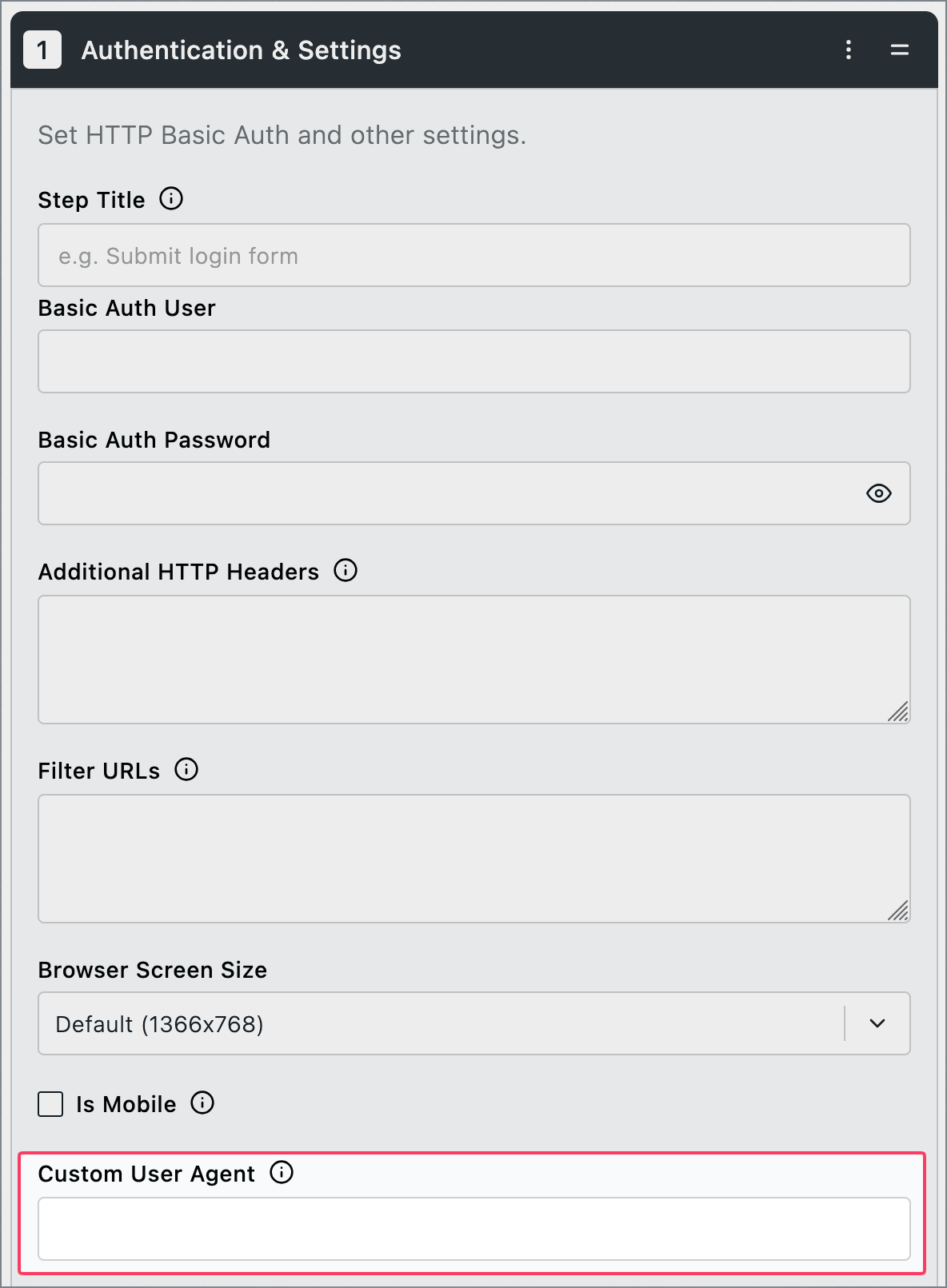
We have added the ability to use a Custom User Agent field to the Authentication & Settings step in Transaction Checks, allowing you to define a custom User Agent string for your check.
To ensure correct legitimate usage, to enable this feature you must contact us at support@uptime.com. Once enabled, navigate to your Transaction Check, open the Check Steps tab, click Add Step > Authentication & Settings, and expand the step to set your custom User Agent.
If you have any questions, contact us at support@uptime.com.