Action Buttons Added to Check Report View
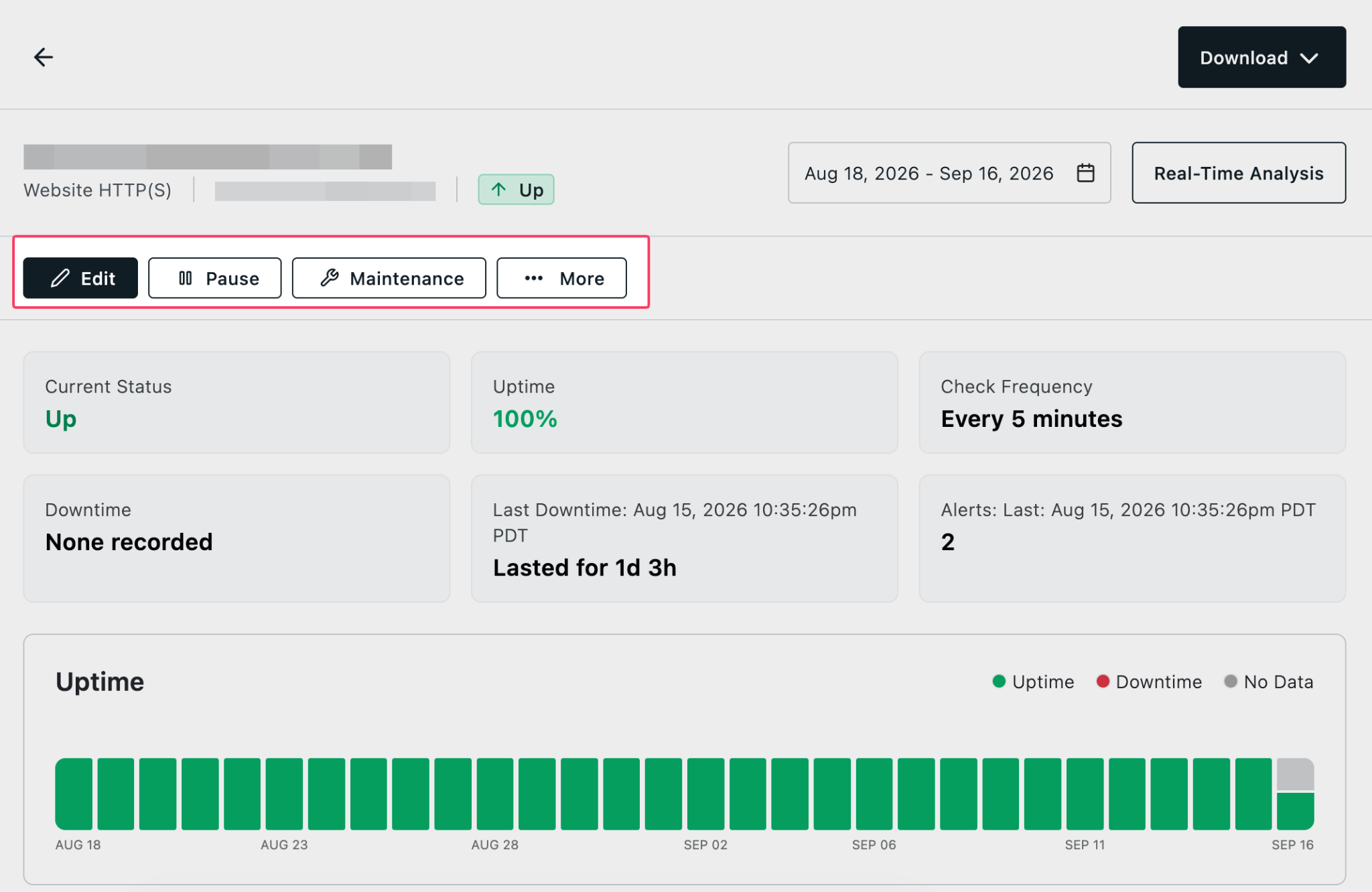
We’ve added management buttons to more quickly access common check actions when viewing a check report.
To view the new buttons, click the check’s name in your Monitoring view to see its report. You can now Edit, Pause, set Maintenance, and more directly from the report:
For more information, see our documentation on Uptime.com Reporting.